# 任务详情

通过点击任务队列中任一项目的标题，或者通过其下拉菜单，即可前往该任务的详情页。

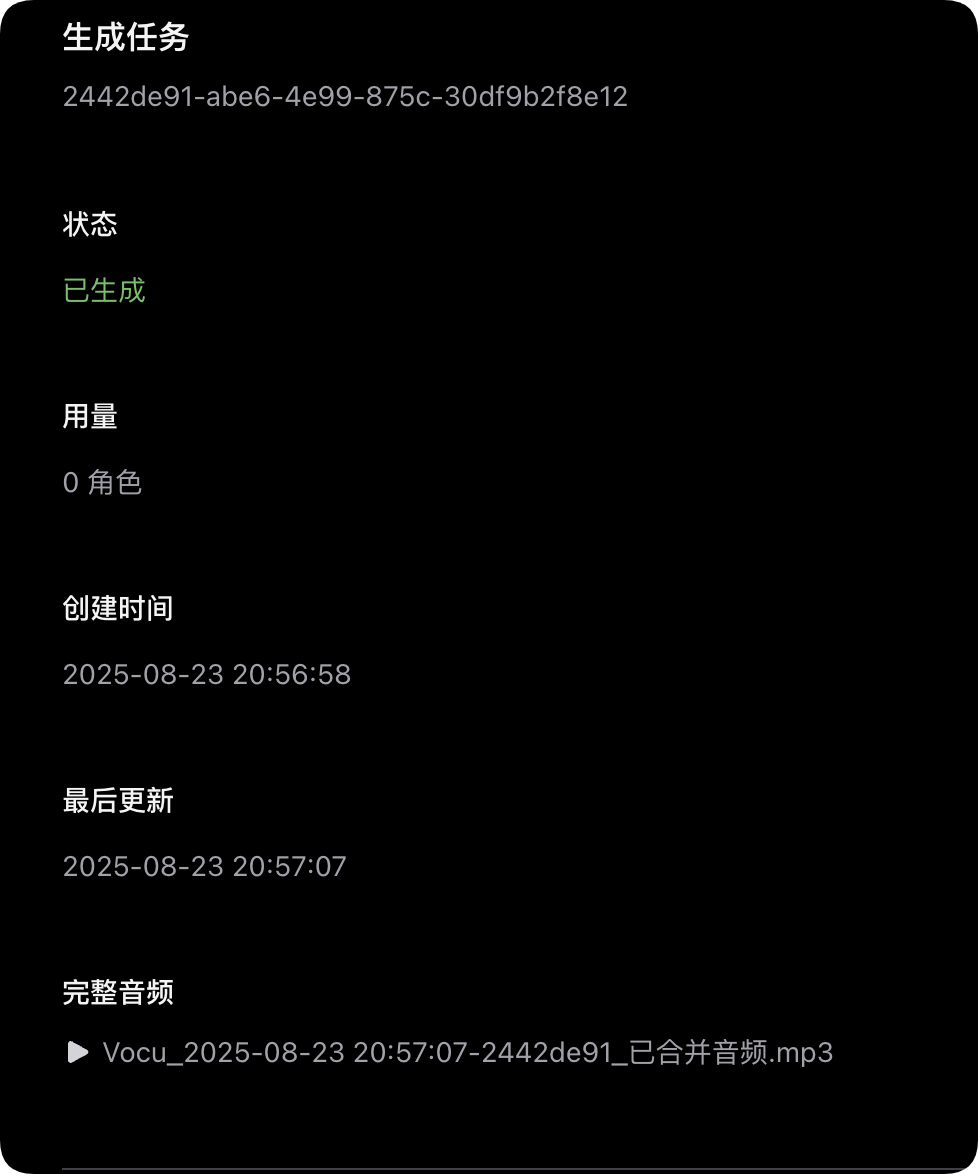
在此页面中，您可以查看该任务的各种信息，预览或下载该任务的完整音频，还可以进行如删除任务等管理操作。此页面将根据任务状态自动更新，因此您无需手动刷新此页面来更新内容。

<figure><img src="https://2881656171-files.gitbook.io/~/files/v0/b/gitbook-x-prod.appspot.com/o/spaces%2FrtJIeAMh6zzGbD77k1uX%2Fuploads%2FnO11q0xVBpXxHYDdKrBq%2FQQ_1755955095465.png?alt=media&#x26;token=a6a723df-f93f-4e67-8318-97305c966f10" alt="" width="375"><figcaption></figcaption></figure>

### 分段查看 <a href="#sentences" id="sentences"></a>

除了对整个任务的信息进行查看以外，您可以在这里看到内容的分段情况，并可在此打包下载多个段落或单独下载一个段落的内容。

<figure><img src="https://2881656171-files.gitbook.io/~/files/v0/b/gitbook-x-prod.appspot.com/o/spaces%2FrtJIeAMh6zzGbD77k1uX%2Fuploads%2FftTSbOe7KljaolYxDAGE%2FQQ_1755955180789.png?alt=media&#x26;token=c4892e3d-09d7-425f-a0b6-ec831da4b686" alt=""><figcaption></figcaption></figure>

您也可以将内容添加为模板，模板可用于制作相同文本内容的任务。添加时会将文本的段落记录和分配了几个角色记录到模板中，可快速替换发音角色，以相同的文本内容制作新音频。

{% hint style="info" %}
已开始生成时无法重复提交生成，您需要等待生成完毕或失败后再试。提交重新生成，系统将按照选择项内容的字符数对您进行计费，并额外统计至任务详情的**用量**一栏。（仅对创建了生成任务的部分计费）
{% endhint %}


---

# Agent Instructions: Querying This Documentation

If you need additional information that is not directly available in this page, you can query the documentation dynamically by asking a question.

Perform an HTTP GET request on the current page URL with the `ask` query parameter:

```
GET https://docs.vocu.ai/zh/generate/task-detail.md?ask=<question>
```

The question should be specific, self-contained, and written in natural language.
The response will contain a direct answer to the question and relevant excerpts and sources from the documentation.

Use this mechanism when the answer is not explicitly present in the current page, you need clarification or additional context, or you want to retrieve related documentation sections.